Keyscan service and support from a local dealer
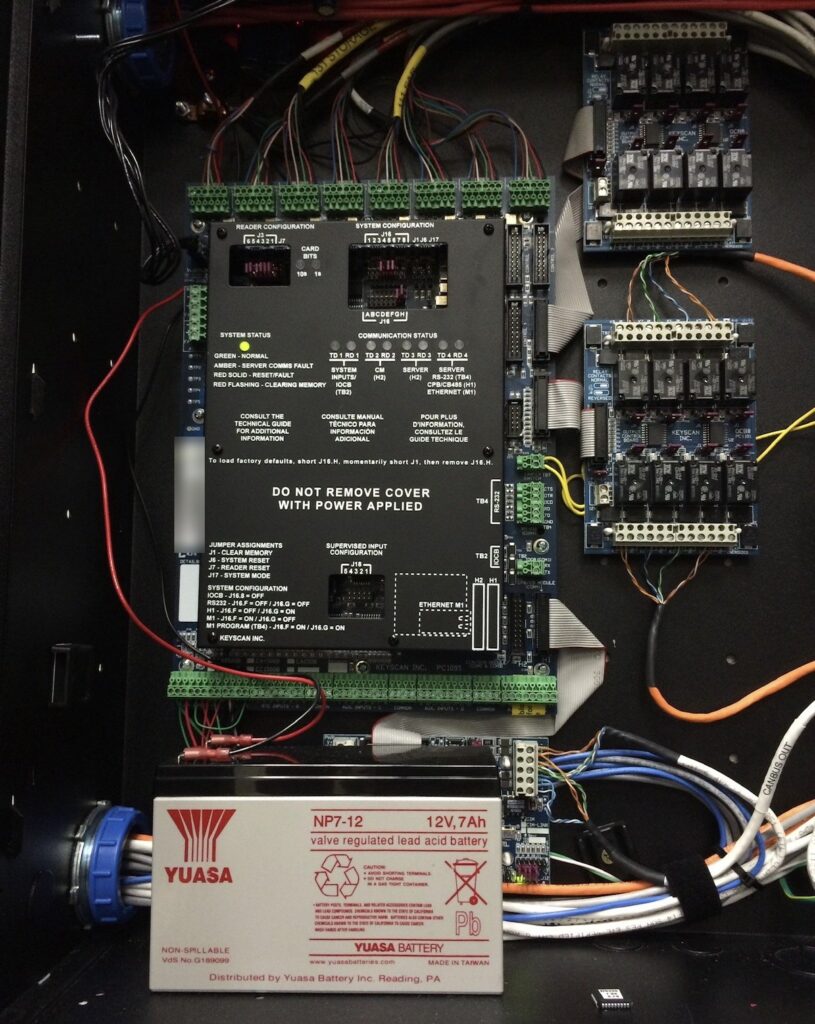
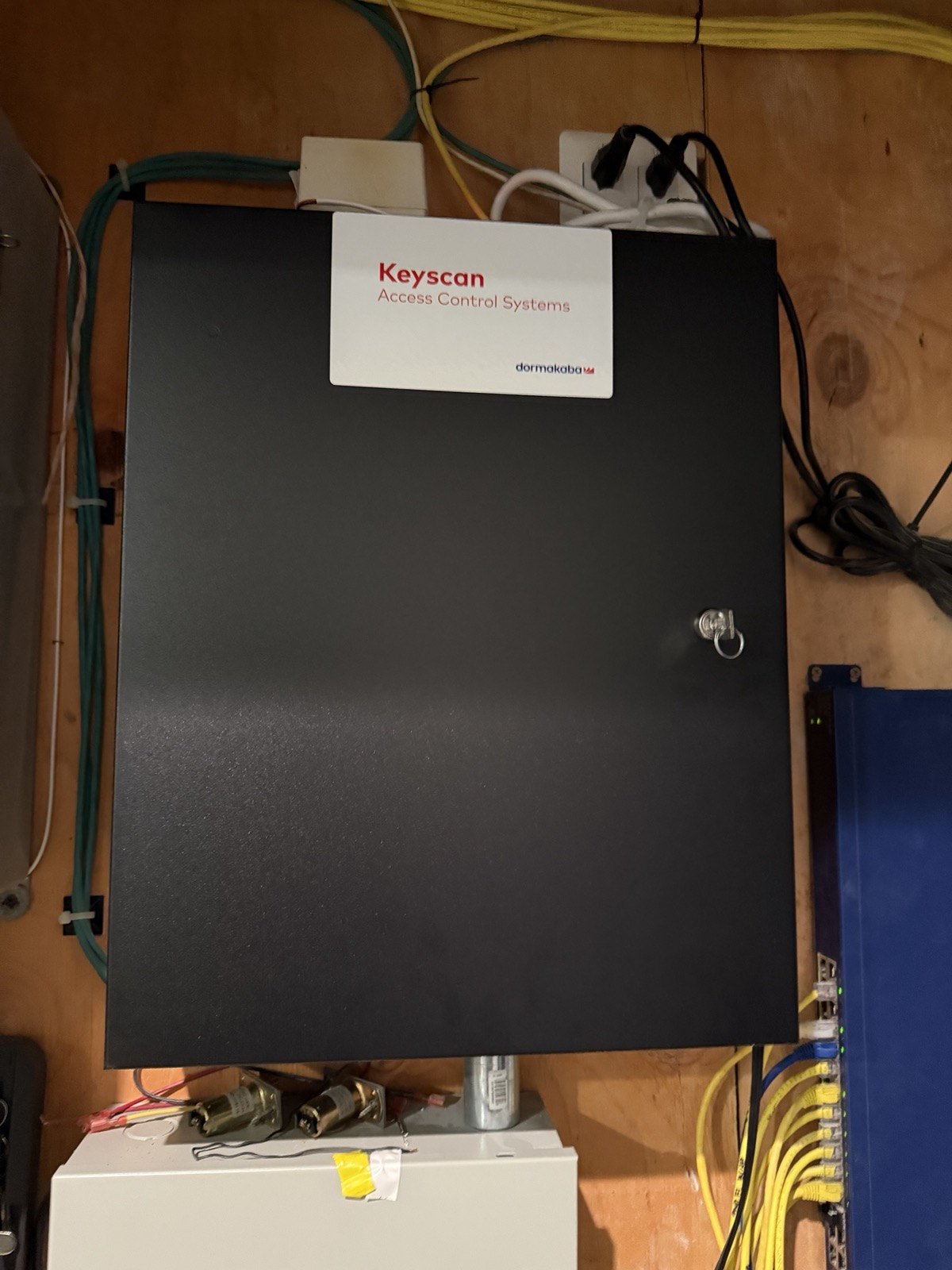
Keyscan is the dormakaba line of networked access control: control panels in a locked enclosure, readers at the doors, and Aurora software to manage cards, schedules and reports. If your building already runs Keyscan and you need a company to look after it, this page is for you. We also add doors to existing systems and install new ones. Our office is at 1717 N Street NW in Dupont Circle.
What we service
- Control panels. CA150 single-door, CA250 two-reader, CA4500 four-reader and CA8500 eight-reader units, and the older boards many buildings still run.
- Elevator floor control. EC1500 and EC2500 elevator controllers, for one or two cabs.
- Relay boards and power. OCB8 relay boards, DPS-15 power supplies, transformers and backup batteries.
- Aurora software. Installation, updates, new workstations, database backups and moves to a new server.
- Readers and credentials. Keyscan and HID readers, cards and fobs, and replacements for readers that have been discontinued.
- KC series panels. The newer generation of Keyscan panels works alongside CA250, CA4500 and CA8500 panels on the same Aurora system, so a building can grow without replacing what it has.
Common Keyscan problems we fix
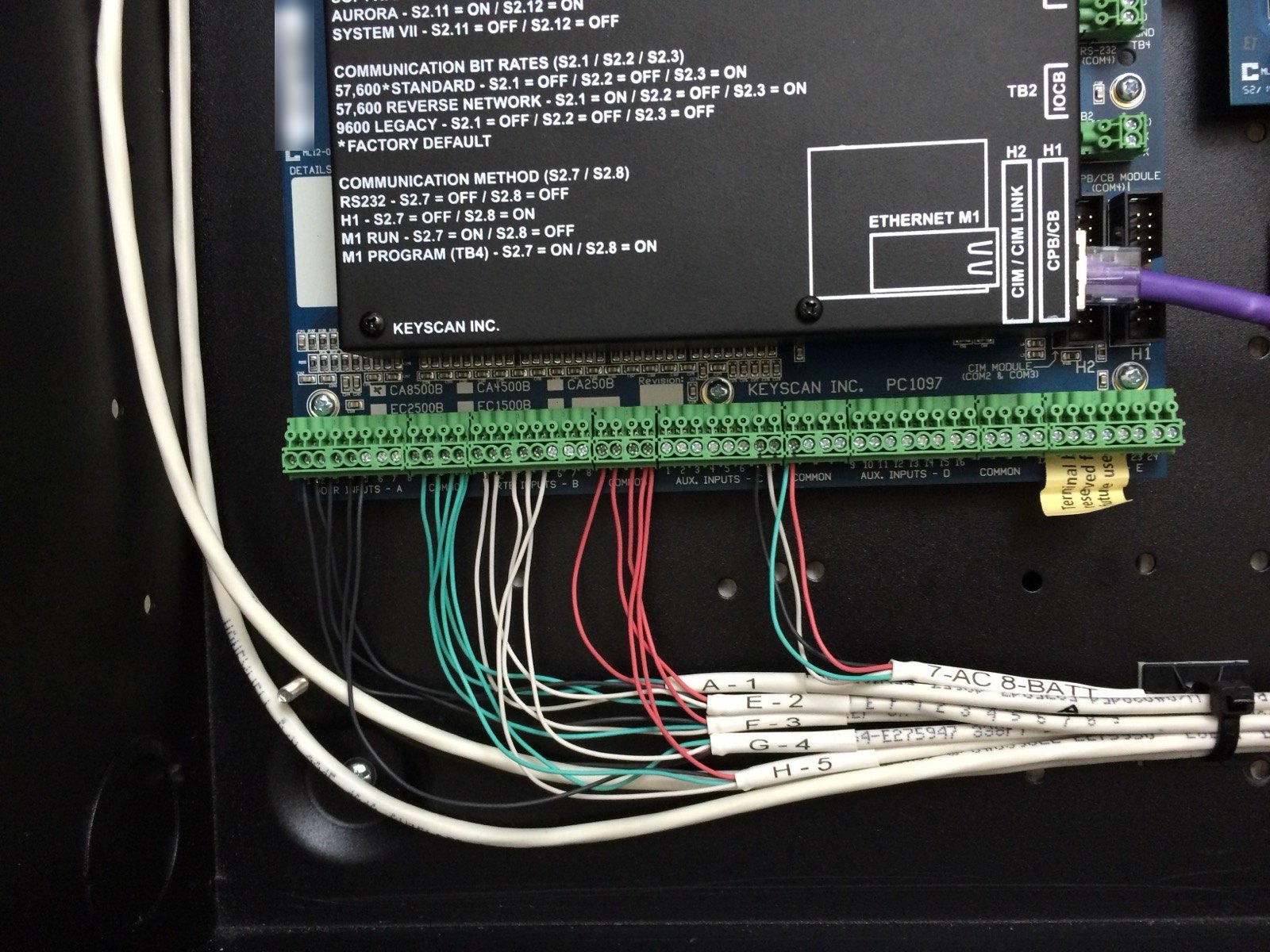
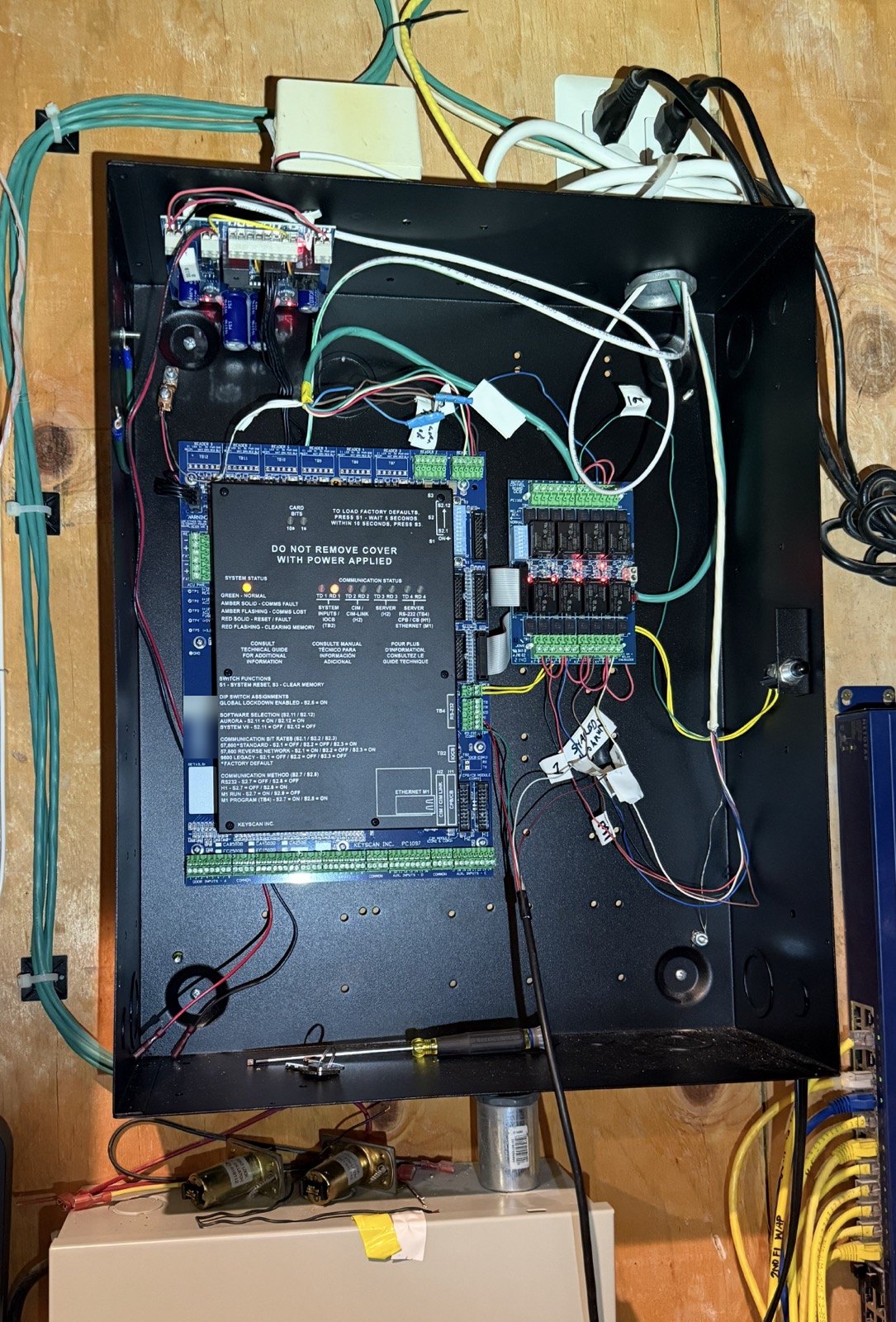
- A panel shows offline in Aurora. Start with the status light on the board. The legend printed on the cover reads green for normal, amber for a communication fault and red for a reset or fault. From there we check the network cable and switch port, the network settings on the panel and the power supply.
- A door will not unlock, or will not relock. The cause can be a relay on the output board, the electric strike or magnetic lock, the request-to-exit device or the door itself. We are locksmiths as well, so we fix the door hardware and the electronics in the same visit.
- Cards read but access is denied, or a reader is dead. We check the card format, the group and schedule assigned to the cardholder, the reader wiring and the reader.
- A low or dead backup battery. Panel batteries fade with age. We test them under load and label them with the install date. See our guide to testing backup batteries before the winter storms.
- Aurora will not open, or cannot reach its database. Aurora keeps cardholders and history in a Microsoft SQL Server database. Long-running systems need backups and housekeeping, and a system on the free Express edition of SQL Server can reach its database size limit. We back up, clean up and, where needed, move the database.
- Nobody has the administrator login. See the section on taking over a system below.
Keyscan System VII is end of life: moving to Aurora
System VII, the software that older Keyscan systems run on, has reached end of life. The manufacturer no longer sells or supports it and recommends planning a move to Aurora before a repair forces the issue (dormakaba). The older versions of Windows that System VII was built for are out of support as well.
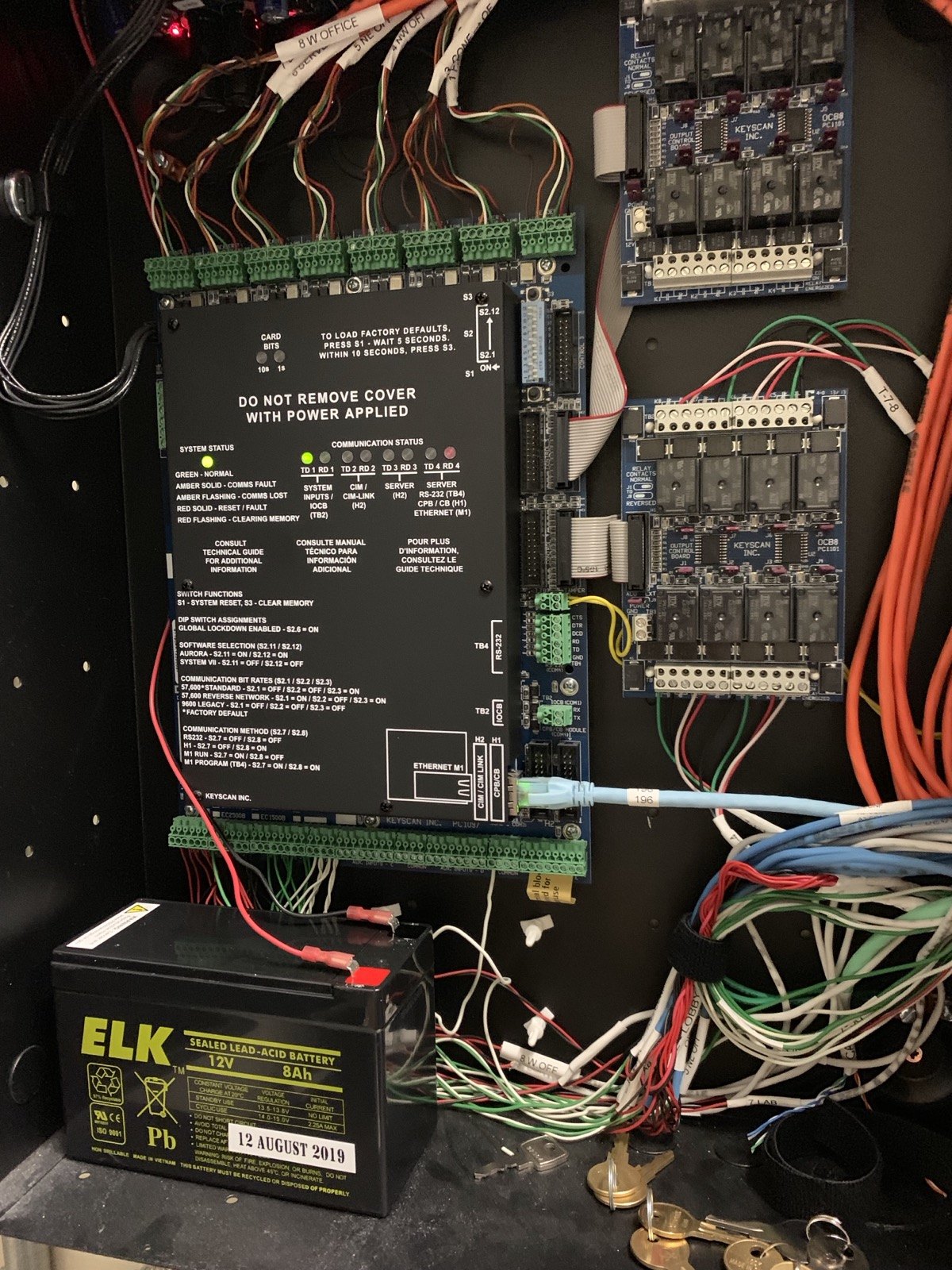
The move is often smaller than owners expect. In many buildings the readers, cards, wiring and locks stay where they are. The software changes, and control boards are updated or replaced depending on their age. The board in the photo below lists a switch setting for Aurora and one for System VII on its own cover. We check every panel before quoting, so you know what stays and what goes.
A typical upgrade runs in this order:
- Survey the panels, board revisions, readers and the current database.
- Back up the System VII database.
- Install Aurora on a supported PC or server.
- Update or replace control boards and bring the cardholders across.
- Test every door, schedule and elevator floor.
- Train the people who will run the system.
Taking over a Keyscan system from another company
Buildings change service companies, and installers close or move on. To take over a system we ask for:
- the Aurora administrator login, or a recent database backup
- a list of panels with their locations and network addresses
- any door schedule or drawings from the original installation
- access to the PC or server that runs the software
If some of that is missing, tell us at the start. We can often rebuild the picture from the panels themselves, but it takes longer.
Adding doors, elevators and newer credentials
An existing Keyscan system can usually grow. We add doors with CA or KC series panels on the same Aurora software, put elevator cabs on floor-by-floor control, and add phone-based credentials alongside existing cards. Aurora can also tie in with Active Directory and with camera systems. Our article on access control for small condo buildings explains how elevator control works for residents.
Recent project: elevator floor control in Washington, DC
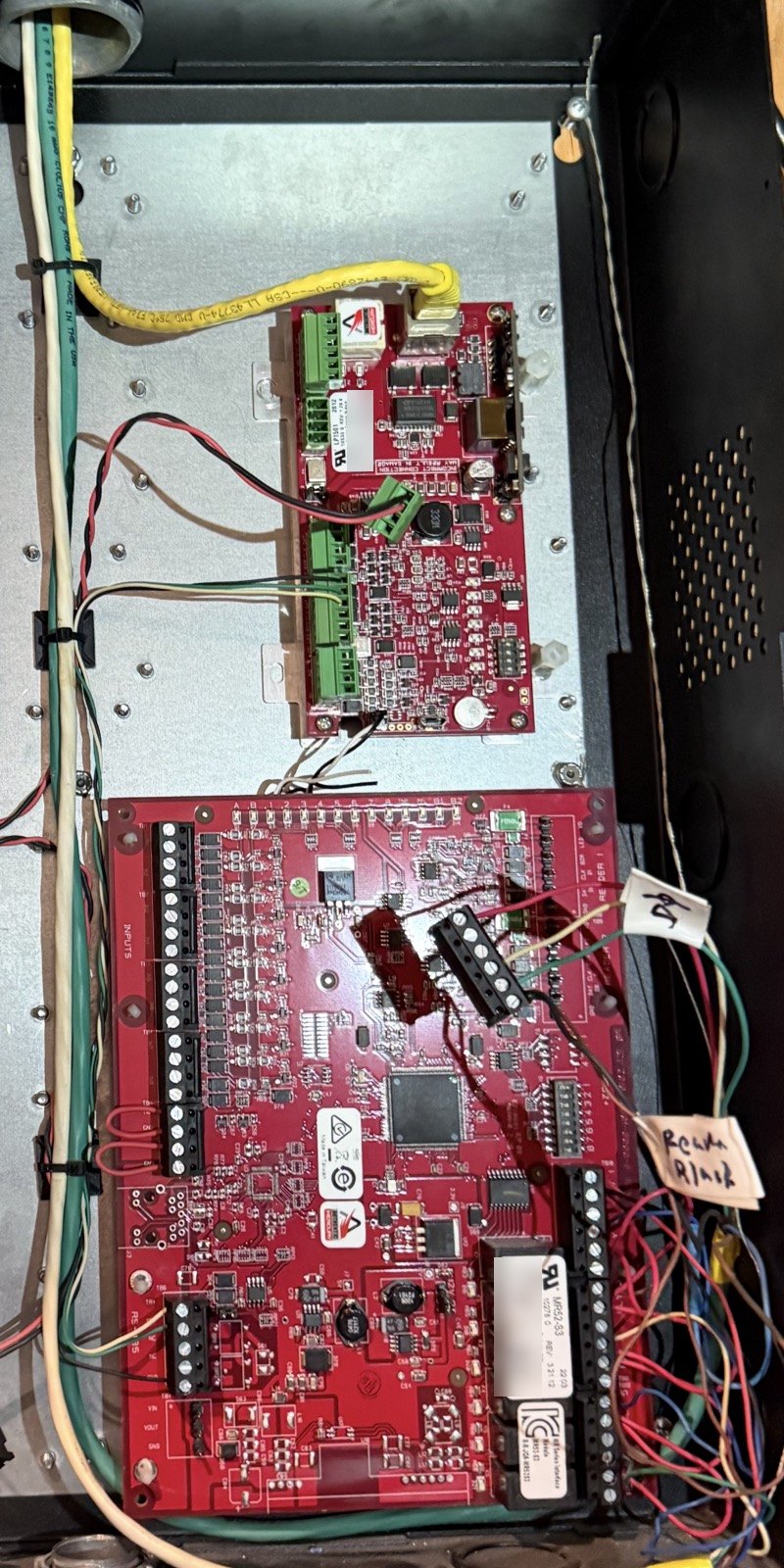
A building in Washington, DC had its elevator access on Mercury-based controller boards that were managed through a cloud subscription. RBD Security replaced them with a Keyscan EC1500 elevator floor controller, managed in Aurora software on a computer in the building. The system is now hosted locally, with no monthly software fee, and the building holds its own cardholder data.
Floor authorization is set per cardholder. A card or fob enables only the floors that person is allowed to reach, and the permissions are managed in Aurora, the same software that handles door access. The residents kept their existing key fobs, which were enrolled in Aurora. Read the full case study.
New Keyscan installations
Keyscan suits buildings that want the system on their own PC or server, with no recurring software fees. Cloud-managed systems suit others. We install both, and we recommend a platform based on the size of the building, the doors and wiring already in place, and who will manage the system day to day. Our comparison of cloud and on-site costs covers the trade-offs, and our access control service page covers the other platforms we work with.
How we work
- A walk-through first. We look at each panel, reader and door with the manager or engineer before pricing anything.
- A written scope, door by door. The proposal lists the hardware and the work for every opening.
- One company for the whole opening. The same crew handles the lock, the door hardware, the electric strike and the reader, and we bring in our licensed electrician partner for high-voltage work.
- An invoice for every job, listing the work and the hardware.
Related guides
- Access control for small condo buildings
- Condo and apartment building security: cloud vs. on-site costs
- Test backup batteries before the winter storms
- Medeco® vs. Mul-T-Lock®: restricted keyways
- Storefront security: locks, glass doors and panic hardware
Where we service Keyscan systems
We work in Washington, DC and across Maryland and Northern Virginia, including Montgomery County, Prince George’s County, Howard County, Baltimore, Arlington County, Fairfax County and Alexandria.
Need service on a Keyscan system? Call (202) 709-9466 or request a quote.
Keyscan and Aurora are trademarks of dormakaba. RBD Security is an independent dealer and service company.