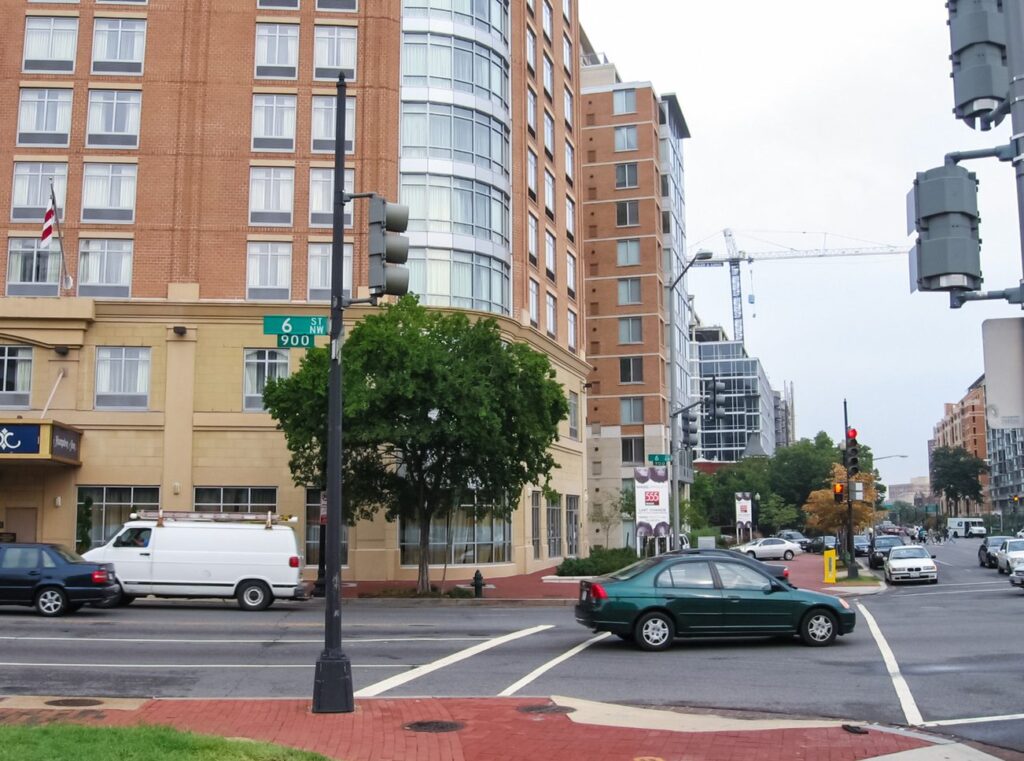
Most DC condo boards and property managers inherit a security setup nobody designed. A lobby intercom from the 1990s. A front-door key that has been copied for twenty years. A garage gate that sometimes stays open. A few cameras someone added after a break-in. This guide covers what to fix first, and how to choose between cloud-hosted and on-site systems when you replace the intercom, the fob system or the cameras. RBD Security installs both, so it is a cost and fit comparison, not a sales pitch.
What to Fix First
Security budgets are limited, and the order matters. This is the order we usually recommend after walking a building.
1. Find out who actually has access
Before buying anything, count the keys, fobs and codes in circulation. Ask:
- How many copies of the front-door, garage and roof keys exist, and who holds them?
- Are fobs for residents who moved out still active?
- Do the cleaning company, the old management company or a former contractor still have a code?
If the answers are “we don’t know,” that is the first problem. On a standard keyway, anyone can copy a key at a hardware store. A restricted-keyway master key system, such as Medeco or Mul-T-Lock, stops that, and an access control system lets you delete a lost fob instead of rekeying the building. Our post on restricted keyways explains how they work.
2. Make the doors close and latch
The cheapest security fix in most buildings is mechanical. A lobby door with a tired closer that never quite latches, a strike plate the bolt misses, or a garage gate that stays open too long defeats any lock or camera. Adjusting or replacing closers, strikes and gate timers costs little and fixes a lot.
3. Fix the front entrance
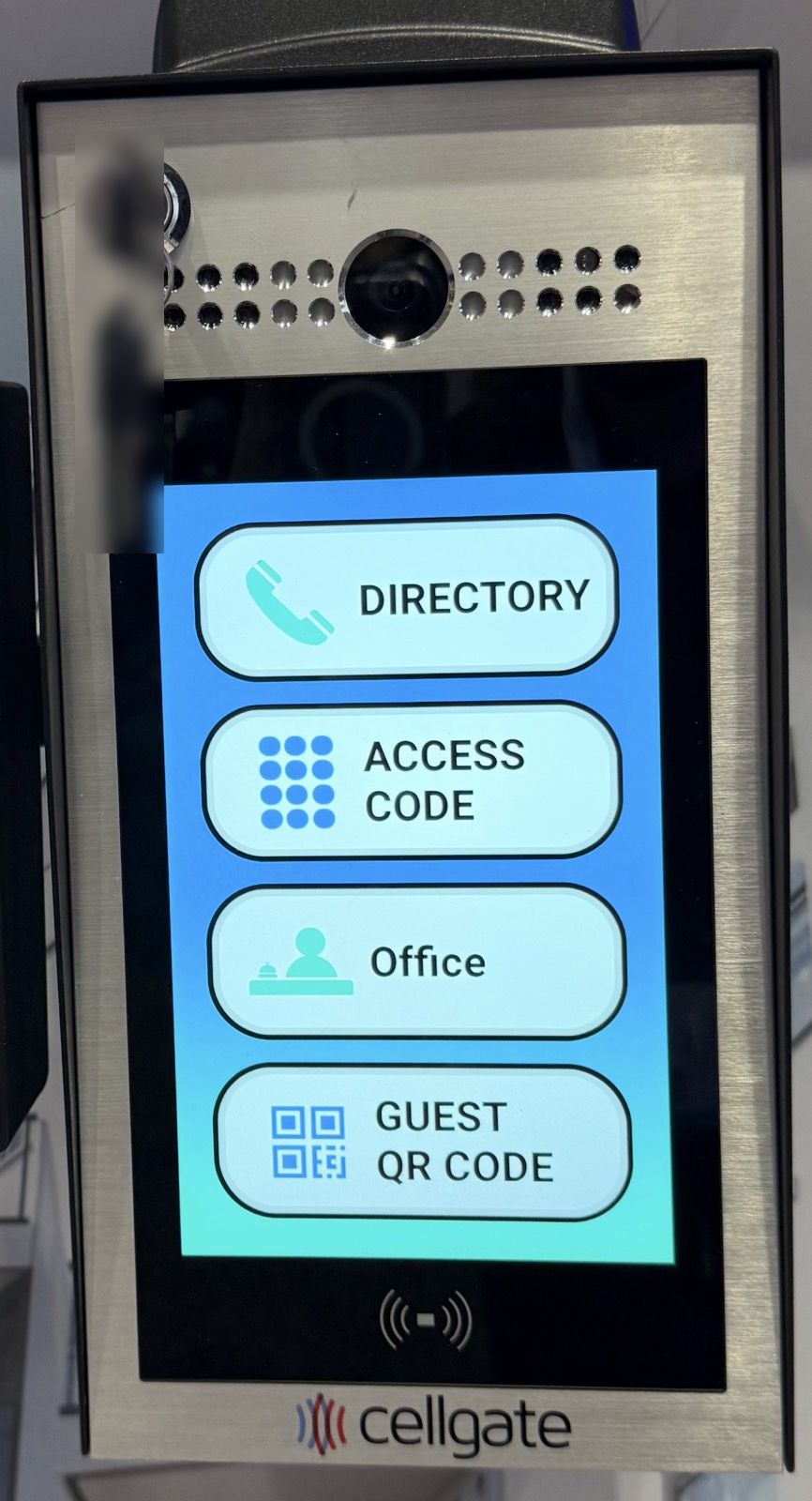
The intercom is the one system every resident, guest and delivery driver uses. Old buzzer systems that ring a handset in each unit fail more every year, and parts get harder to find. A modern video intercom calls residents’ phones, gives couriers a code or a one-time pass, and logs who entered. Our guide to apartment intercom upgrades covers the options, including systems that reuse existing wiring. For gated communities and buildings with a telephone entry panel, see telephone entry system management.
4. Put access control on the shared doors
The lobby, garage, package room, gym, roof and trash or storage rooms should be on fobs, cards or phone credentials, not keys. You get an audit trail of who used which door, you can schedule doors (the roof deck closes at 11 p.m.), and you can turn off a credential in seconds at move-out. Readers range from basic fob readers to biometric and mobile credentials.
5. Add outdoor cameras where incidents actually happen
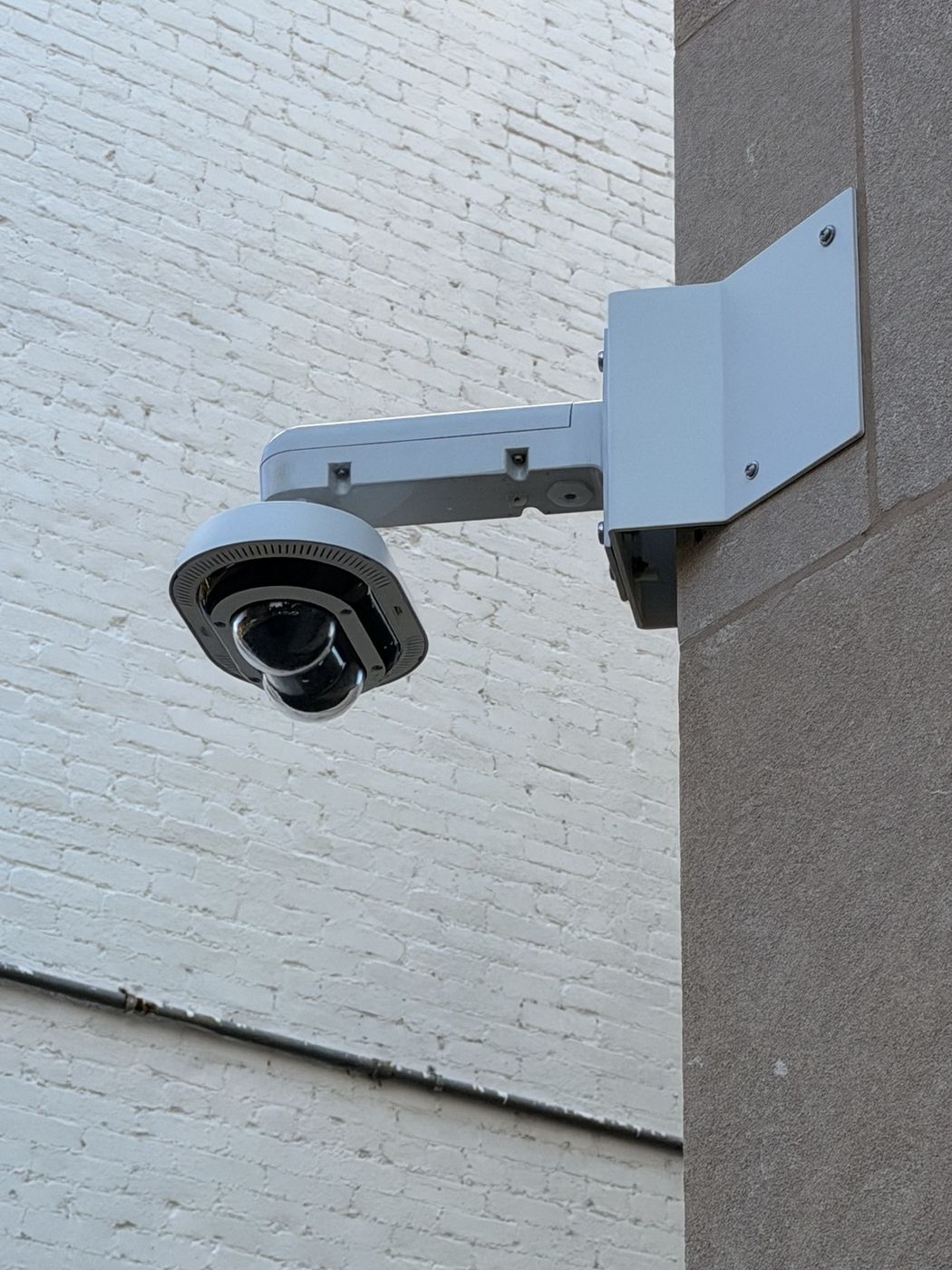
Cameras do the most good at the main entrance, the package room, the garage ramp and gate, the loading dock or trash area, and the alley. Plan for faces at the door, plates at the garage, enough retention (30 days is a common minimum) and a clear rule for who can view and export footage. Our camera planning guide goes into placement and resolution.
6. Write down the process
The best systems fail without a process. Who issues and deletes credentials at move-in and move-out? Who approves contractor access, and for how long? Who holds the master key? Put it in writing and give the management company a single place to manage it.
7. Phase it with the budget
Few buildings do all of this at once. A common plan is key control and door hardware first, then the intercom, then access control, then cameras, with each phase timed to the operating budget or the reserve study.
Cloud vs. On-Site: How the Two Models Work
When you replace an intercom, access control or cameras, the biggest decision is where the system “lives.”
Cloud-hosted (managed) systems run their software on the manufacturer’s servers. The building buys the hardware and pays a recurring subscription: per apartment, per door or reader, or per camera. Management logs into a web portal, and residents use the maker’s app. Updates and remote access are handled by the vendor.
On-site systems run on equipment in the building: a door controller, a video recorder (NVR) or a server, and intercom panels on the local network. You buy the hardware and software once. There may be optional software maintenance plans, and remote access is set up by your installer.
Many buildings end up with a hybrid: for example, cameras that record on-site with selected clips backed up to the cloud, or an on-site intercom panel that uses a cloud service only for calls to residents’ phones.
What They Cost
Prices below are published list prices or dealer estimates, current as of fall 2026. Treat them as a starting point, because your quote will depend on the building, the wiring and the hardware.
Cloud intercoms. ButterflyMX lists its video intercom panels at roughly $3,995 to $6,495, plus a software fee of $30 to $42 per apartment per year (ButterflyMX pricing). For a 40-unit building, that fee alone is $1,200 to $1,680 a year, or $12,000 to $16,800 over ten years.
Cloud cameras. Verkada’s 2026 list prices put cameras at about $699 to $7,899 each, plus a cloud license of $249 per camera per year (or $2,199 per camera prepaid for ten years). A dealer guide notes the cameras do not function as designed without an active license (Safe and Sound Security). For 12 cameras, ten years of licenses is about $26,400. Other cloud video services commonly run $5 to $15 per camera per month, or $7,200 to $21,600 for 12 cameras over ten years (Safe and Sound Security).
Cloud access control. Brivo, one of the larger cloud platforms, bills a monthly base fee plus a fee per reader: on its Standard plan, $6.20 to $18.50 per reader per month. A fully installed door commonly runs $1,500 to $3,500 (Safe and Sound Security).
On-site cameras. The same dealer estimates installed commercial cameras at $700 to $1,500 each. A recorder for a smaller system costs $300 to $700, and hard drives cost $100 to $200 to replace every three to five years. Larger buildings use a server-grade recorder or a video management license instead, which costs more up front but still carries no per-camera monthly fee.
On-site intercoms and access control. You pay for the panels, controllers and installation, with no required per-unit fee. One caution: some on-site intercom panels route calls to residents’ phones through the maker’s cloud service, and that service has its own fee. Ask before you buy.
A rough ten-year picture
Take a 40-unit building replacing one front-door intercom and putting 12 cameras on the entrances, garage and alley. Installation labor and wiring are similar either way. The difference is mostly the recurring fees:
| Over 10 years | Cloud | On-site |
|---|---|---|
| Intercom software | $12,000 to $16,800 (per-unit fee) | $0 required; possible app-calling fee |
| Camera software | About $7,200 to $26,400 (per-camera fee) | Recorder replacement and drives, typically low thousands |
| Software updates | Included | Done by your installer, often under a service plan |
| If you stop paying | Features stop; some hardware stops working | System keeps running |
The figures above are list prices and estimates. The on-site column assumes the recorder is replaced once in ten years and the drives two or three times.
On cost alone, on-site systems are usually cheaper over five to ten years in a building that is not going anywhere, and the gap grows with the number of units and cameras. Cloud systems cost less up front and spread the cost into the operating budget, which some boards prefer to a large reserve expense.
Beyond Cost: How to Choose
| Cloud | On-site | |
|---|---|---|
| Upfront cost | Lower to moderate | Moderate to higher |
| Ongoing cost | Recurring per unit, door or camera | Low; maintenance and occasional replacement |
| Remote management | Built in, through the vendor’s portal | Available; set up and secured by your installer |
| Resident app | Usually polished and included | Depends on the brand; may use a paid cloud service |
| Internet outage | Most door controllers keep working locally; remote features and app calls stop until it returns | Unaffected for recording and local access |
| Footage retention | Longer retention costs more | Set by storage; long retention is cheap |
| Ownership and lock-in | Software is licensed; switching brands usually means new hardware | You own it; brands like Axis, Hanwha, 2N and Aiphone work with many systems |
| Who maintains it | The vendor, for software | Your installer or IT person: firmware, security patches, drives |
Cloud tends to fit buildings run by a management company that manages a portfolio from one dashboard, buildings with no one to maintain a server, boards that prefer an operating expense to a capital one, and properties that want the strongest resident app experience.
On-site tends to fit buildings planning to keep a system for many years, buildings that need long video retention, larger camera counts, buildings with unreliable internet, and boards that want to own the system outright and avoid per-unit fees.
Hybrid fits more buildings than either one: on-site recording with cloud backup for incidents, or an on-site access control system with a cloud-connected intercom.
Whatever you choose, ask every vendor the same questions:
- What is the total cost over ten years, including every recurring fee?
- What happens to the hardware if we stop paying?
- Who patches the firmware?
- Can we export our users and our footage if we switch?
How RBD Security Helps DC Boards and Managers
RBD Security installs both cloud-managed and on-site intercoms, access control and cameras, and we are not tied to one platform. That lets us price a building both ways and recommend what fits its budget, its management and how long the board plans to keep the system. We have long experience working with leading property management companies in DC on both condominium and apartment buildings. A typical engagement starts with a walk-through and a key and credential audit. Then we give a phased plan with costs for each option: door hardware and key control, the entrance intercom, access control on shared doors, and outdoor cameras for the entrance, garage, package room and alley.
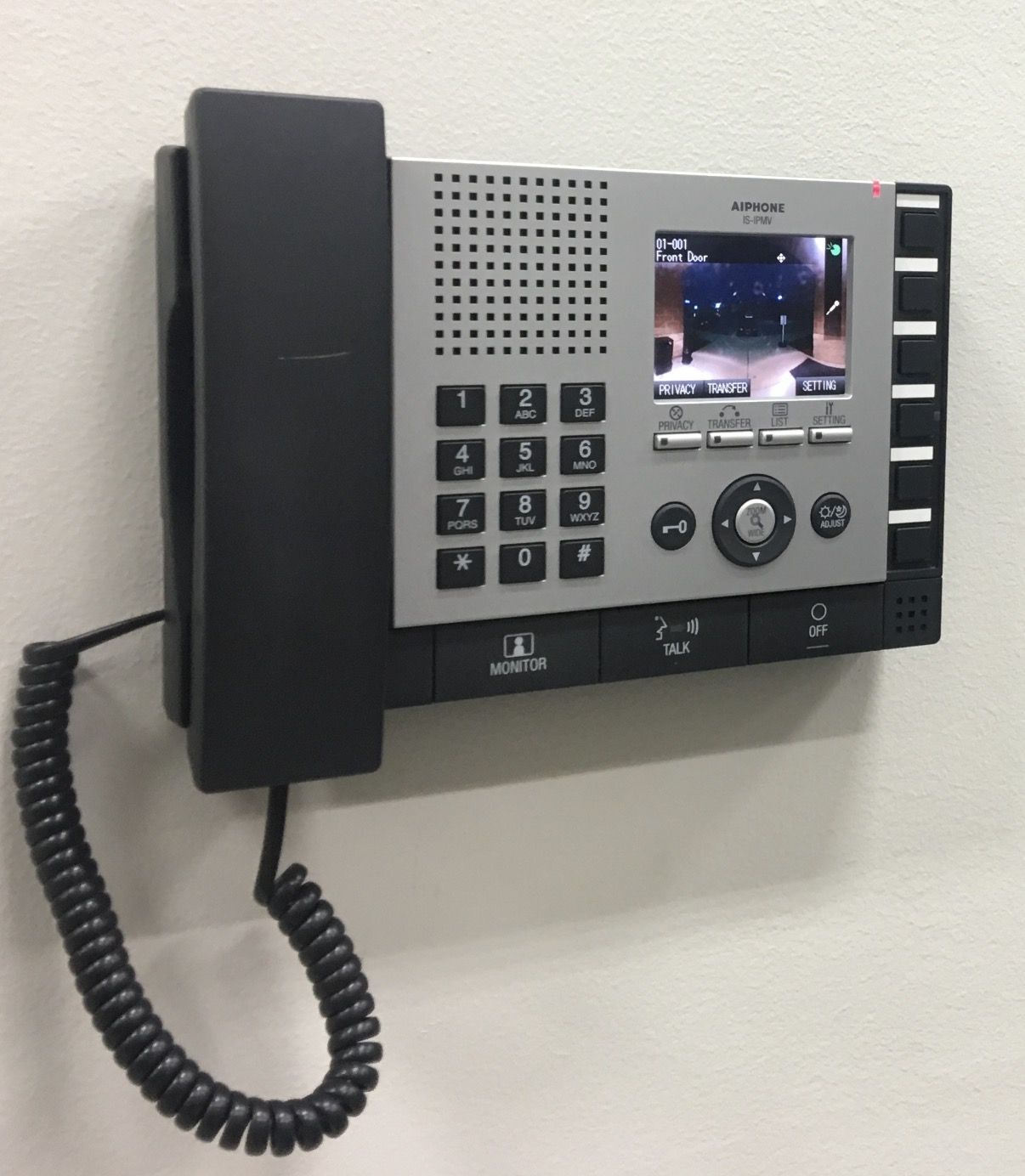
Brands we install include Axis, 2N, Aiphone, DoorKing, CellGate, Mobotix and Akuvox for entry, plus HID readers, biometric readers and mobile credentials for access control. See our intercom, access control and security camera services, or the Washington DC locksmith page for the neighborhoods we cover.
Frequently Asked Questions
Is a cloud intercom or camera system cheaper than an on-site one?
Up front, usually yes. Over five to ten years, usually no. Per-unit, per-door and per-camera fees add up, especially in larger buildings. Compare total ten-year cost, not the first invoice.
What happens to a cloud system if the internet goes down?
Most cloud door controllers keep working from local memory, so fobs still open doors. Remote management, app calls to residents and live video viewing stop until the connection returns. Cameras with onboard storage usually keep recording and upload later. On-site systems keep recording and controlling doors locally either way.
Can we keep our existing intercom wiring?
Often, yes. Many modern intercoms can run over the existing wiring, or over a new network cable to the entrance only, with residents answering on their phones. A site visit tells you which applies.
Can we mix cloud and on-site equipment?
Yes, and many buildings do. Common mixes are on-site recording with cloud backup for incidents, or on-site access control paired with a cloud-connected video intercom.
Get a Two-Option Quote for Your Building
Call RBD Security at (202) 709-9466 or request a quote. We will walk the building and price it both ways, cloud and on-site, for condo and apartment buildings across Washington, DC, Maryland and Northern Virginia.